AI course creation
Build a course structure from approved material.
Start with approved material and manage the course, assignments, completion, and reporting in the same LMS.
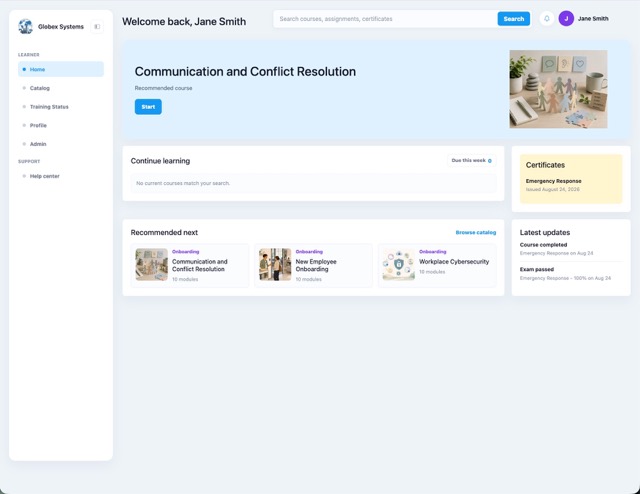
Turn policies, manuals, presentations, and existing material into editable training your team can review before publishing.
Build a course structure from approved material.
Update a page or module without rebuilding everything.
Keep source material available while reviewing the course.
Organize content into modules, pages, checks, and tests.
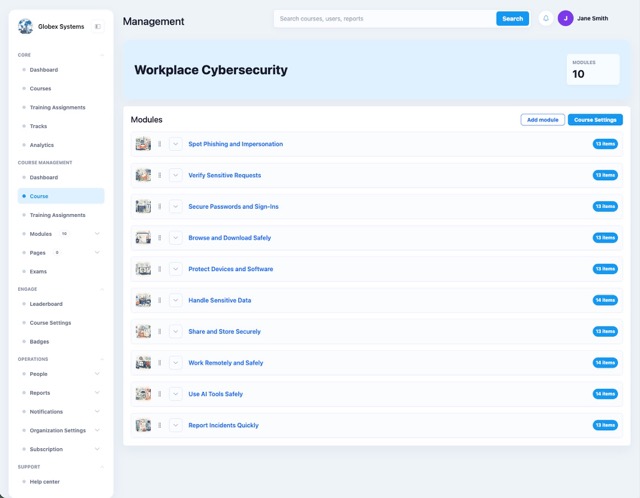
Set up a training program once, then control who receives it and when.
Group courses into paths for roles, onboarding, compliance, or certification.
Assign training by team, role, department, group, or person.
Set due dates and repeat training on the required cycle.
Remind learners when training is assigned, due, or overdue.
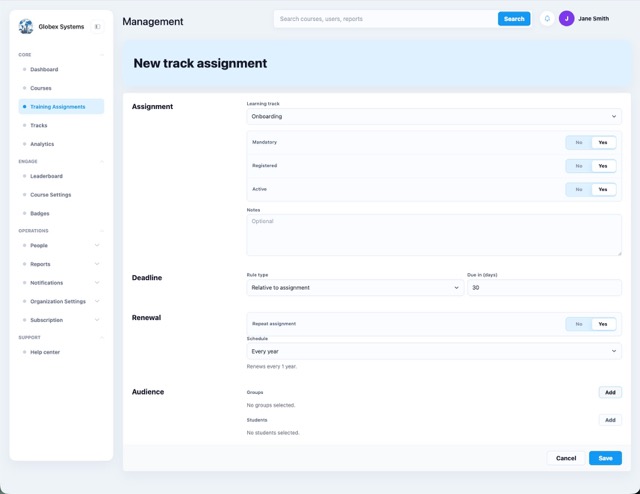
Define what a learner must pass before the training counts as complete.
Check understanding during training or at completion.
Set required scores and limits on attempts.
Add identity and proctoring controls when needed.
Issue a certificate when a learner meets the requirements.
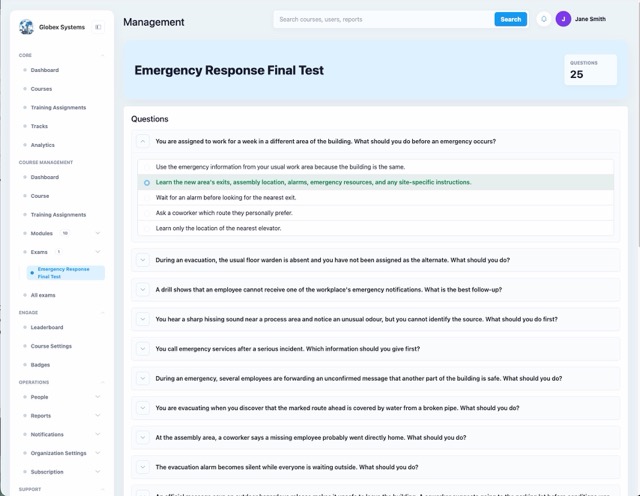
Move from the overall results to the people, courses, and questions that need follow-up.
See complete, in-progress, due, overdue, and failed training.
Review scores, attempts, passes, and failures.
See which questions learners miss most often.
Choose the dates you want included in the report.
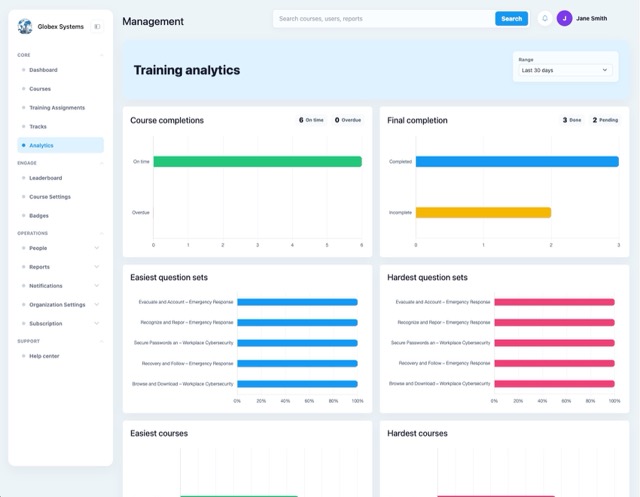
Give administrators the access they need without complicating the learner experience.
Group learners by team, role, or department.
Control who creates, assigns, manages, or reviews training.
Make courses private, unlisted, or public when needed.
Show assigned work, progress, results, and certificates.
Compliance, onboarding, certification, employee training, and external programs can use the same platform.
Assign required training, renew it, and keep completion evidence.
Put required new-hire training into one structured path.
Run role-based and optional development programs.
Combine training, testing, completion rules, and certificates.
Train customers, partners, contractors, or other audiences.
Bring one real program. The demo can follow your workflow, reporting needs, and completion rules.