
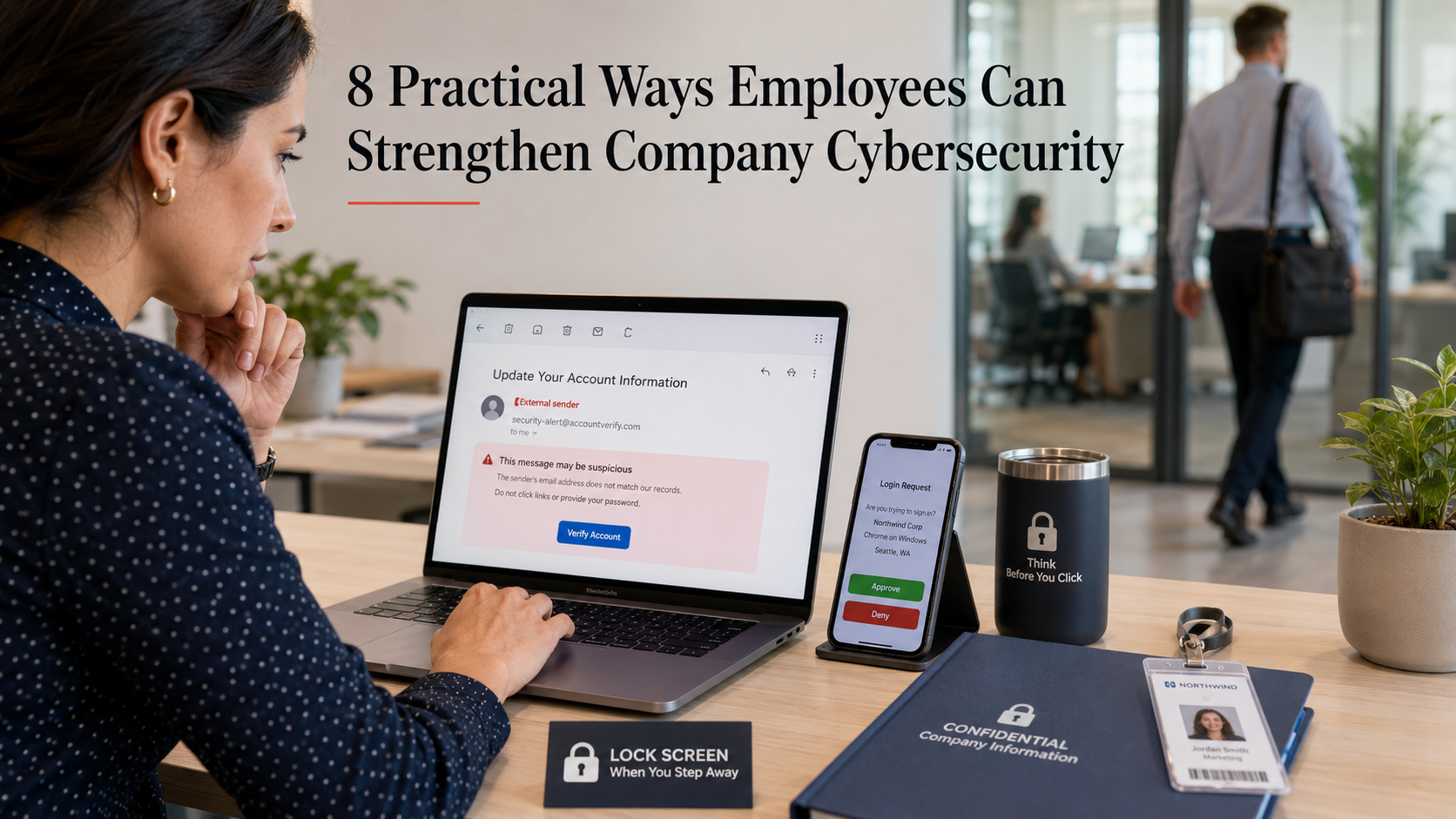
Most cyber incidents start with a normal workday moment. An unexpected email. A rushed login. A file shared with the wrong permissions. That is why employees matter so much.
Security tools help, but daily habits decide a lot. Below are practical steps.
Turn on multi-factor authentication (MFA) and keep it on
If your company offers MFA, use it everywhere you can. Email, chat, payroll, cloud drives, admin panels. Turn it on once, then leave it on.
Microsoft has published research showing MFA can block the vast majority of account compromise attempts. They cite more than 99% in some cases. If an attacker steals a password, MFA often stops the login from going anywhere.
This also applies to personal accounts that touch work. Think of your personal email, your mobile carrier account, and your password manager. If those get taken over, work can be next.
Use a password manager and stop reusing passwords
Password reuse is still common because people are busy. A password manager fixes the problem in a clean way. It generates unique passwords and stores them safely.
Canada’s Centre for Cyber Security recommends password managers and points out that stand-alone managers tend to be more secure than browser-only storage. They also recommend using MFA on the password manager itself.
One detail people miss: your “main” password matters. Make it long. Make it memorable. A passphrase works well. If your manager supports it, add a second factor.
Slow down around email, links, and attachments
Email is still a top entry point for attackers. A useful habit is to treat unexpected messages like they are unsafe until proven otherwise. Especially when the email creates urgency. Especially when it asks you to sign in, open a file, or pay something.
Basic checks help:
- Hover over links before clicking.
- Be wary of “shared document” messages you were not expecting.
- Look closely at the sender’s address, not just the display name.
- If you need to open a file, use the approved viewer and scanning tools your company provides.
Verify payment and change of details requests
Business Email Compromise is simple and nasty. A believable email asks for a wire transfer. Or it asks you to change bank details. Or it requests a “quick favor” with gift cards. These scams work because they match normal business processes.
It is recommended to verify payment and purchase requests by calling the person (or confirming in person).
Do not reply to the same email. Use a known phone number. Start a fresh chat with the person. If the request is real, nobody will mind the extra minute.
Keep devices and apps updated
Updates feel annoying until you connect them to risk. Attackers often exploit known weaknesses in older software versions.
If your work device allows automatic updates, enable them. If it is managed by IT, do not fight the update prompts. Install them when you can. This also includes browsers, PDF readers, meeting apps, and password managers. Those are common targets because everyone uses them.
Handle company data with care when sharing and storing
A lot of leaks are not deliberate. They are accidental. A link shared with “anyone with the link.” A file dropped into the wrong folder. A spreadsheet emailed to the wrong “John.”
Before you share, do two checks:
- Who can access it?
- For how long?
Use the company’s approved storage tools. Avoid personal email for work files. Avoid moving data into consumer apps “just for convenience.” That convenience turns into shadow IT, and shadow IT turns into blind spots.
If you work with sensitive data, keep it minimal. Do you need local copies? Do you need to download at all? If not, do the work in the secured system.
Protect your workspace
It still happens: someone walks past an unlocked laptop. A visitor tailgates through a door. A printed report sits on a desk overnight.
Simple habits make a difference:
- Lock your screen every time you stand up.
- Keep badges and keys secure.
- Do not let strangers “borrow” your access, even for a minute.
- Be careful with speakerphone in public spaces.
If you work remote, be extra strict on this one. Home and cafés blur lines fast.
Report quickly, even when you are not 100% sure
Reporting early gives security teams time. They can block a sender, remove similar messages from other inboxes, and reset access before damage spreads. Waiting “to be sure” often costs more than raising a false alarm.
Also report near-misses. If you clicked a link and then realized it was odd, say so right away. Good security cultures do not punish people for speaking up. They learn from it.
Closing thought
Cybersecurity at work is mostly routine. It is small choices made consistently. MFA stays on. Passwords stay unique. Updates get installed.
You do not need to be a security expert to make a real difference. You just need a few habits that hold up on busy days.